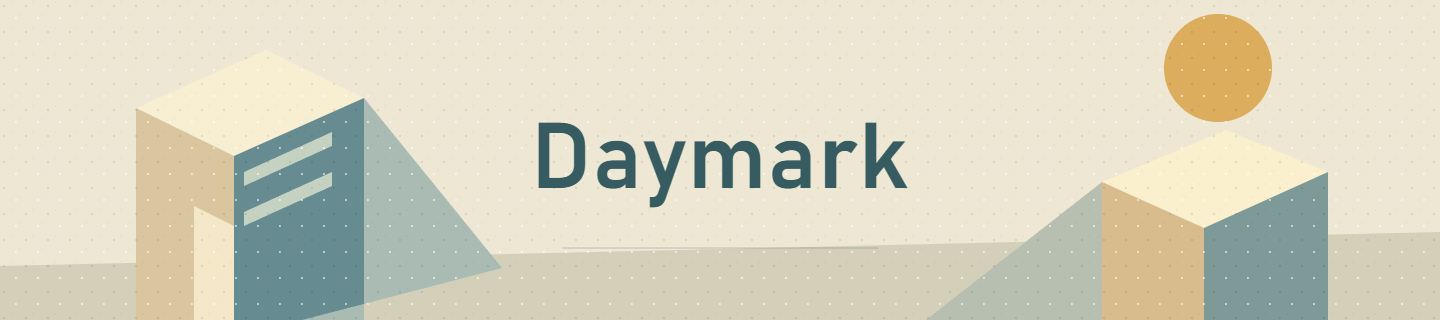
Daymark
DailyNatural daylight, balanced color and a clean finish.
Aki Camera / Photo & video
Find your color. Shape the frame.
Bring a little more of yourself to every photograph and video.
Public TestFlight beta · iPhone & iPad
40 built-in Looks. iOS / iPadOS 17 or later.
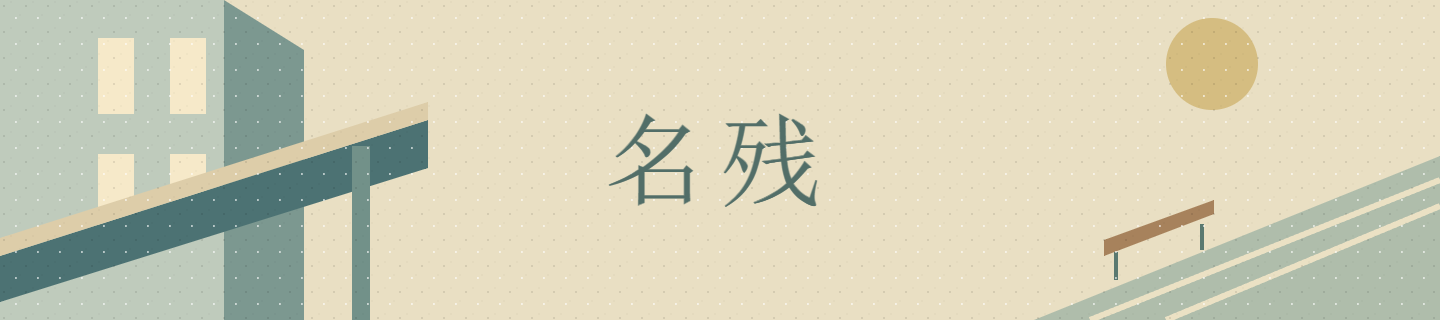
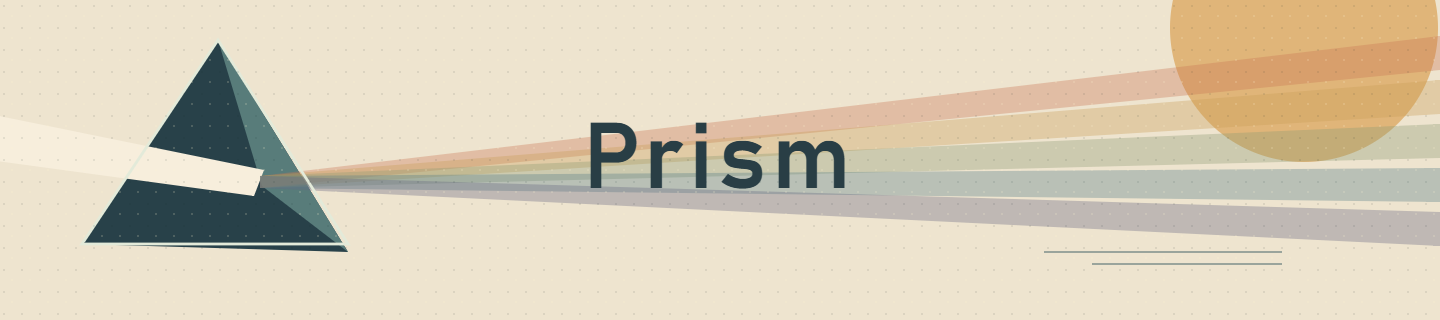
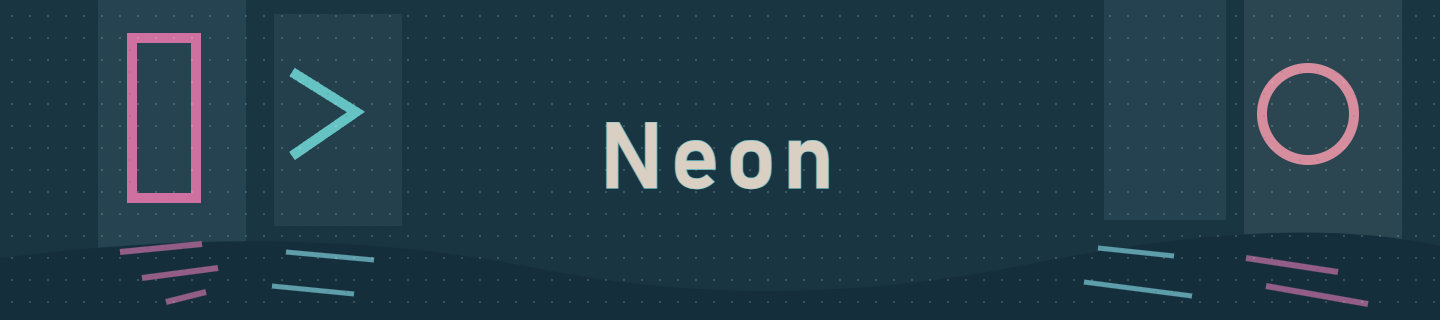
Original artwork for the Looks inside Camera. Find yours ↓
The complete Look collection
Browse all five collections. Select any Look for its full artwork and color character, then preview your choice in Camera as you compose.
Everyday color, monochrome, the Aki collection, film-inspired palettes and cinematic atmosphere. All forty, in one place.
Natural daylight, balanced color and a clean finish.
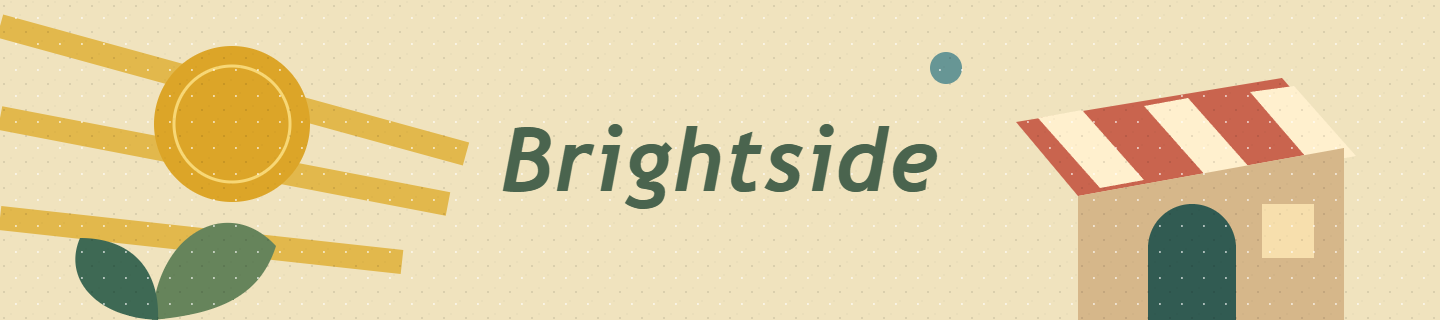
A cheerful lift for bright streets, people and everyday color.
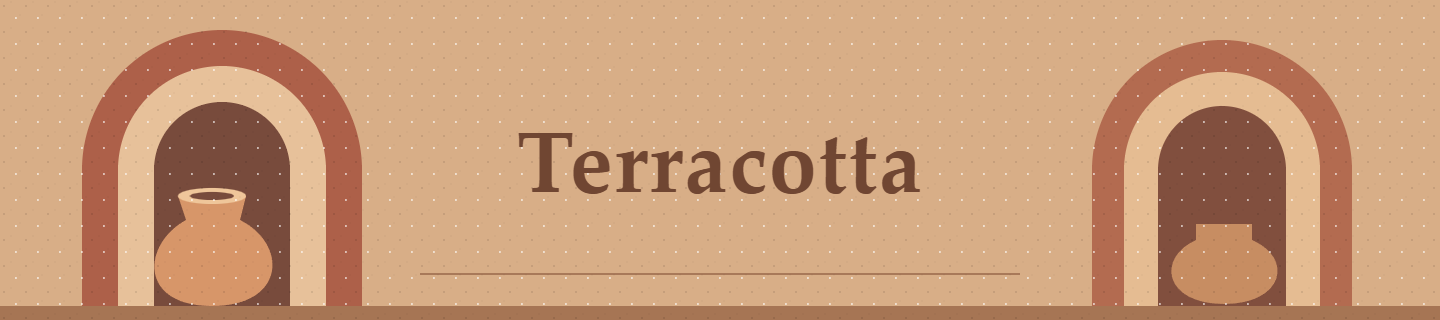
Earthy warmth for brick, wood, food and late afternoon.

Clear blues and fresh whites for open-air daylight.
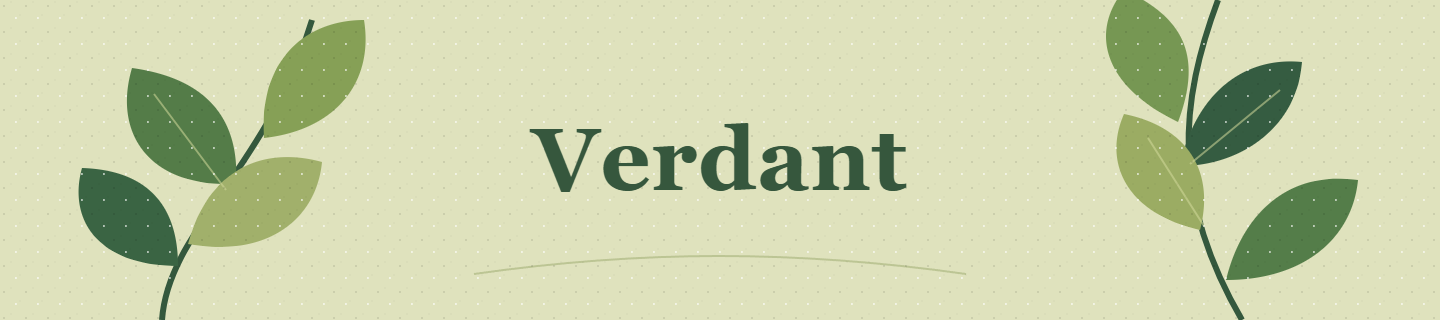
Layered greens for gardens, parks and everyday nature.
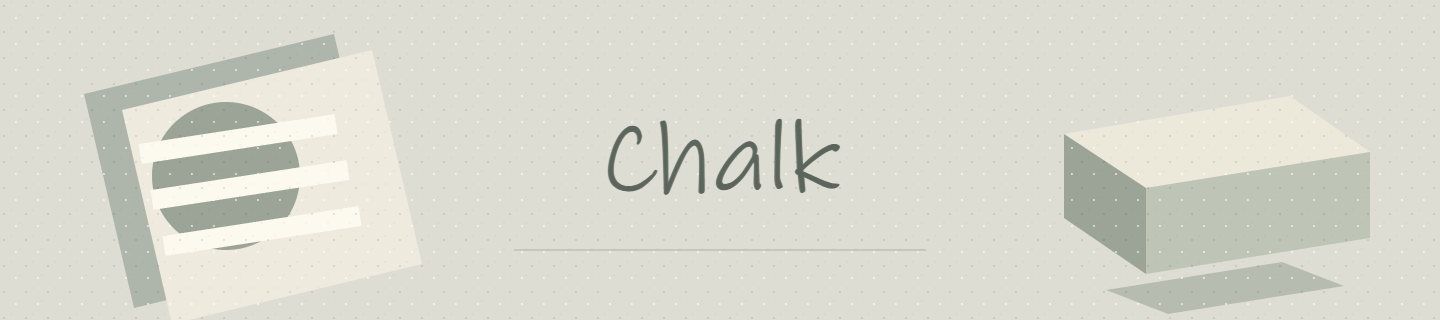
Soft matte monochrome with open shadows and gentle contrast.

Classic dramatic monochrome with bright upper tones and fine grain.
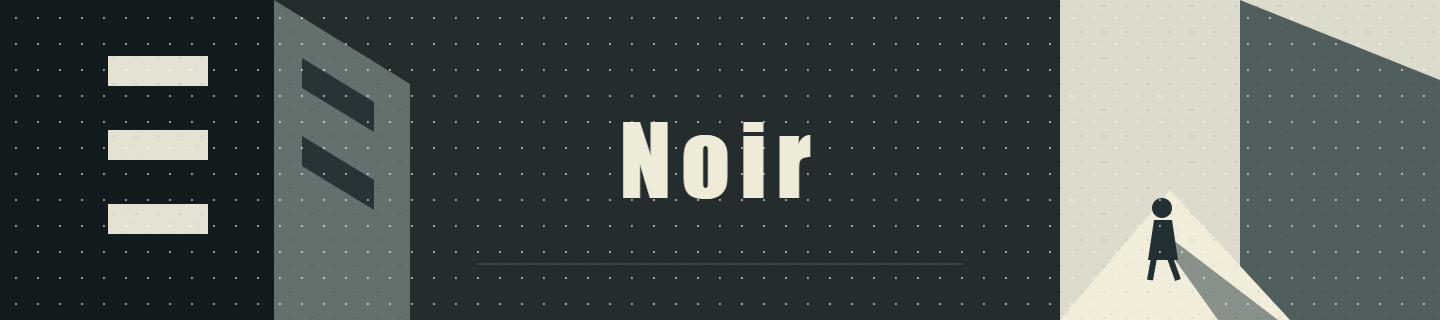
Deep graphic monochrome for strong light, silhouettes and architecture.
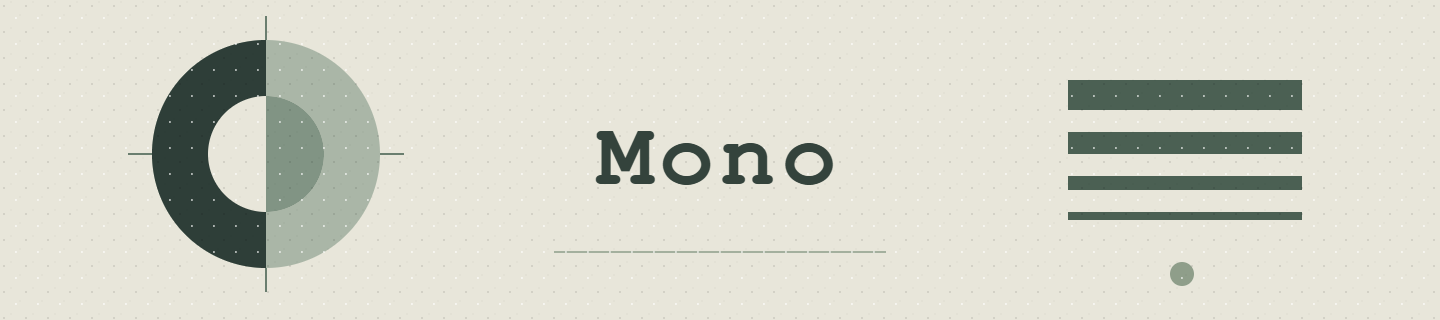
Clean everyday monochrome with natural tonal balance.

Soft portrait tones, luminous skin and delicate fine grain.

Firm documentary contrast, restrained highlights and tactile grain.

Airy high-key tones and clean paper whites with quiet fine texture.
Cream highlights and cool urban shade for lingering travel memories.

Walnut browns and quiet color for timber, ceramics and warm cafes.

Clean winter whites, cool gray shade and restrained warm accents.

Quiet blues, substantial greens and pale tones for everyday Japan.
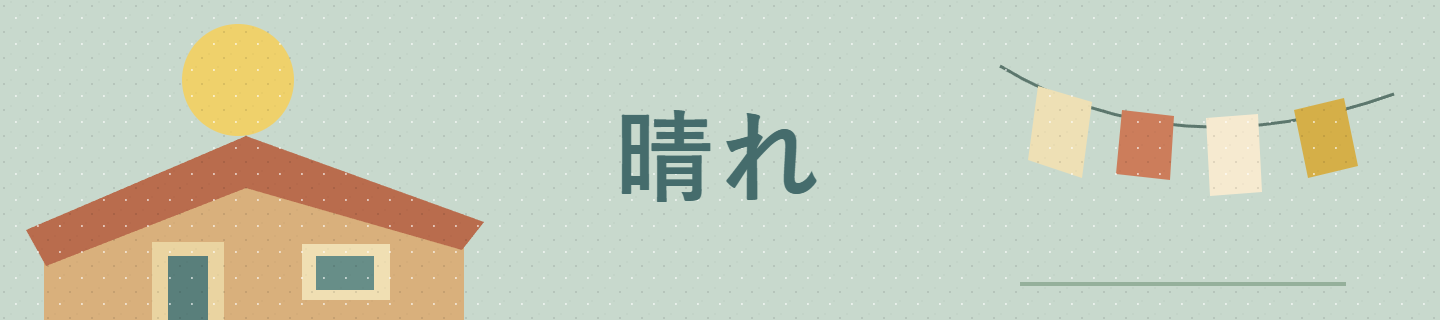
Luminous daylight, clear skies and playful colors for bright streets.
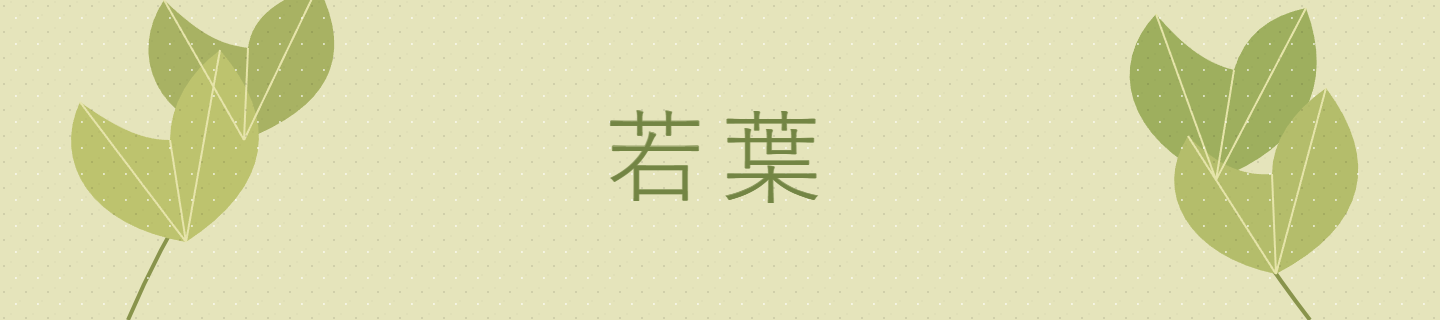
Soft yellow-green foliage and cream highlights for leafy summer scenes.
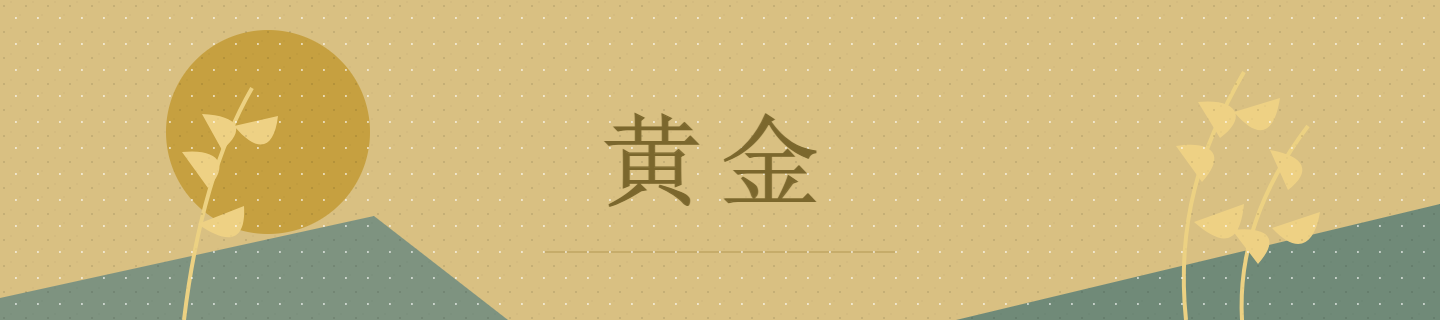
Golden light and quiet cool shade for autumn and late afternoon.
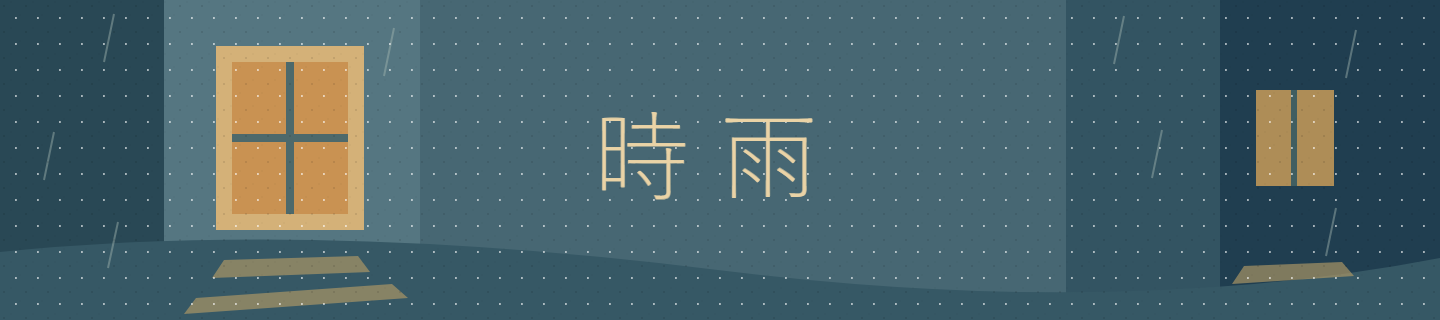
Rain-blue shade and warm windows for reflective city evenings.
Balanced daylight print color with crisp mids and fine grain.

Vivid landscape color, dense shadows and a fine slide-like texture.

Soft pastel color, gently faded blacks and delicate portrait grain.
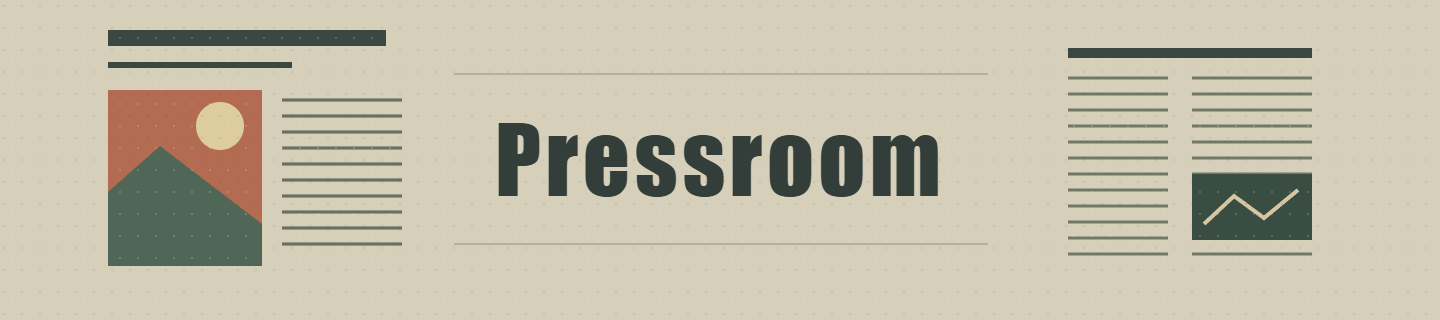
Restrained documentary color, firm contrast and tactile grain.
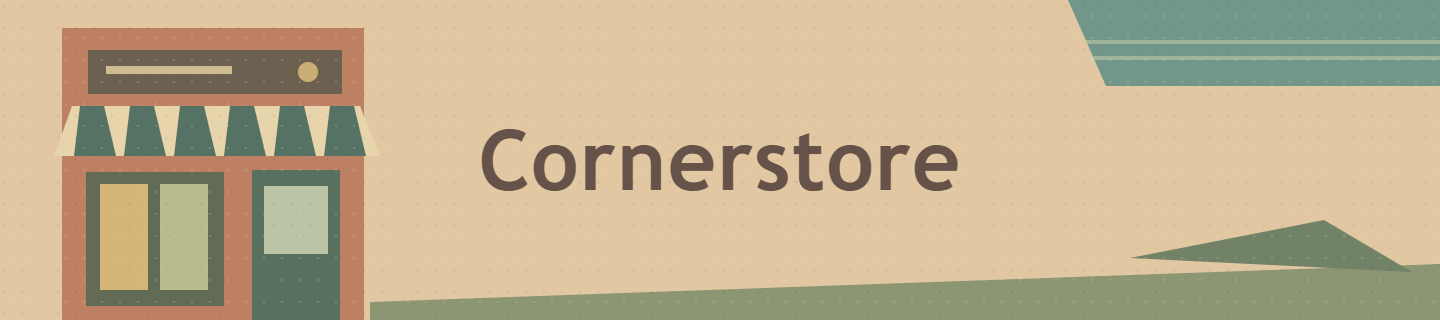
Nostalgic print color, faded blacks and a coarser grain.
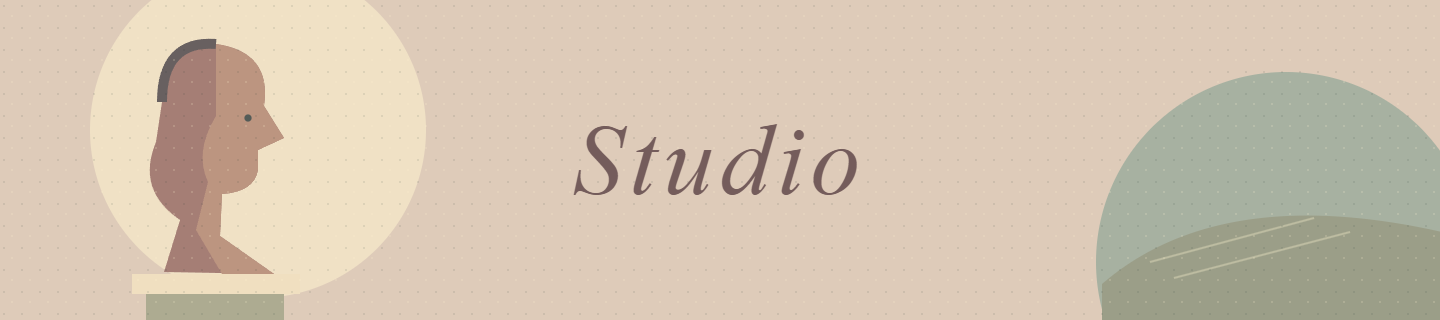
Gentle portrait color, open shadows and exceptionally fine texture.

Supple shadows, glossy upper tones and subtle print grain.

Rich red-led color and crisp density for editorial details.
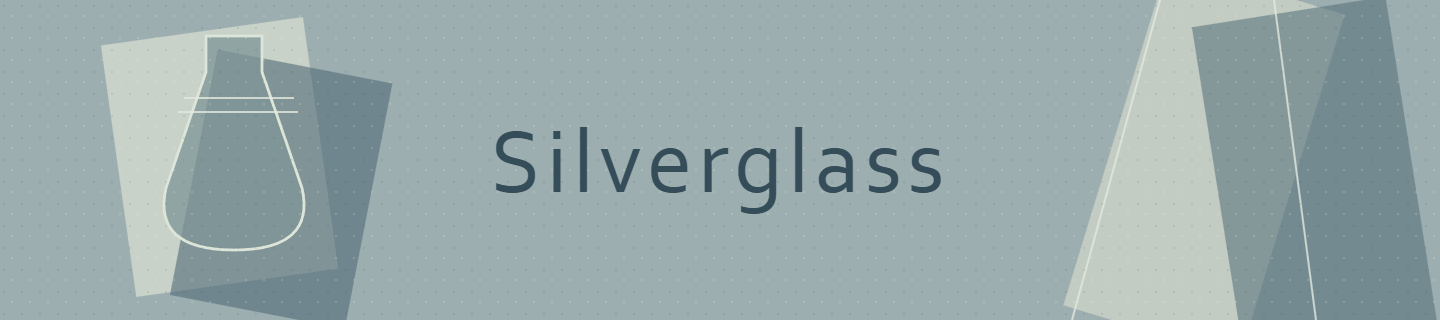
Cool steel-blue shade, faded blacks and aged print texture.
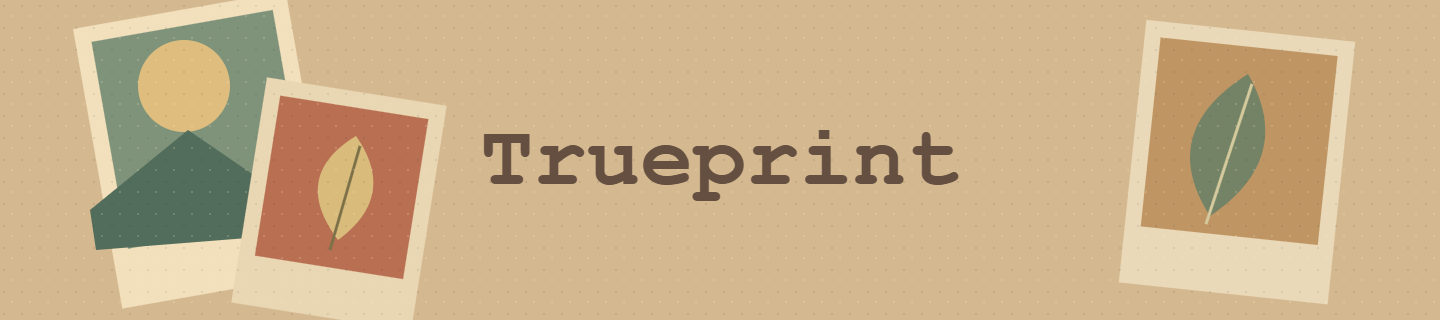
Natural warm print color with restrained contrast and fine grain.
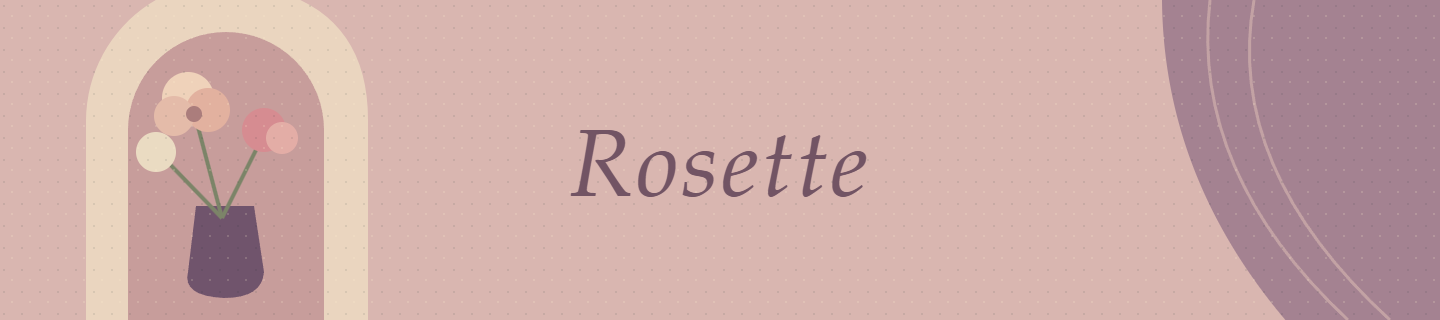
Airy rose and plum accents for pastel interiors and composed portraits.
Dense cyan and magenta night color for signs and city reflections.
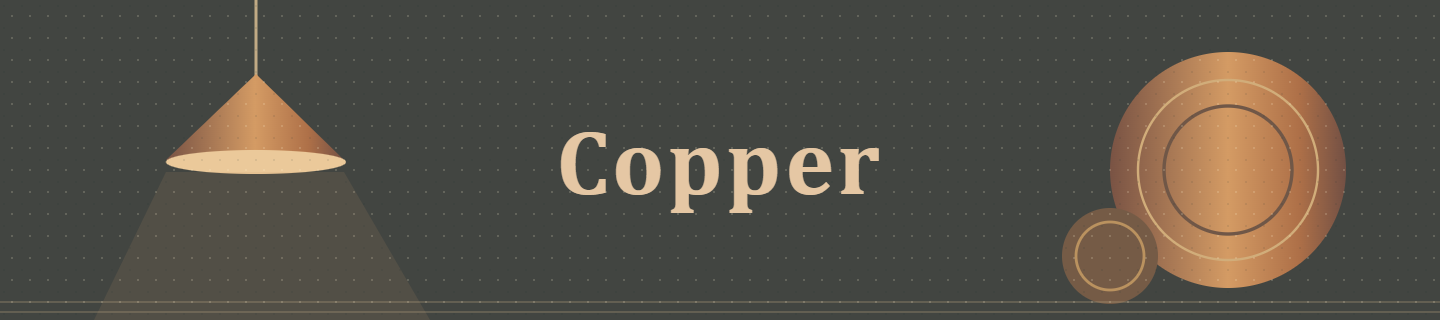
Open charcoal shadows and copper warmth for low-lit interiors.

Dry ochre, quiet greens and dusty warmth for rural stories.

Deep cobalt surroundings and warm accents for water and blue hour.

Controlled green-gray atmosphere for concrete and fluorescent interiors.

Luminous violet, cyan and pink for romantic dusk and colored light.
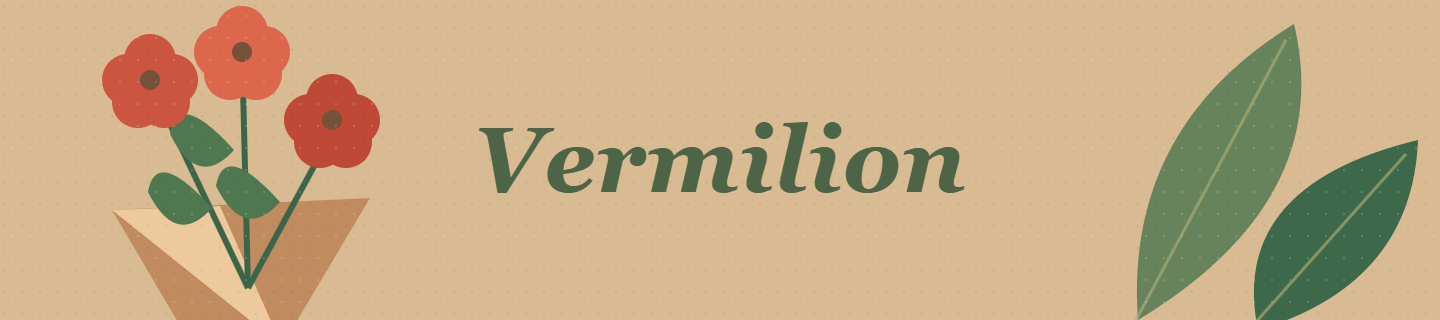
Expressive red and green for flowers, markets and painted scenes.

Rich rust and deep blue-cyan contrast for hard sun and open landscapes.
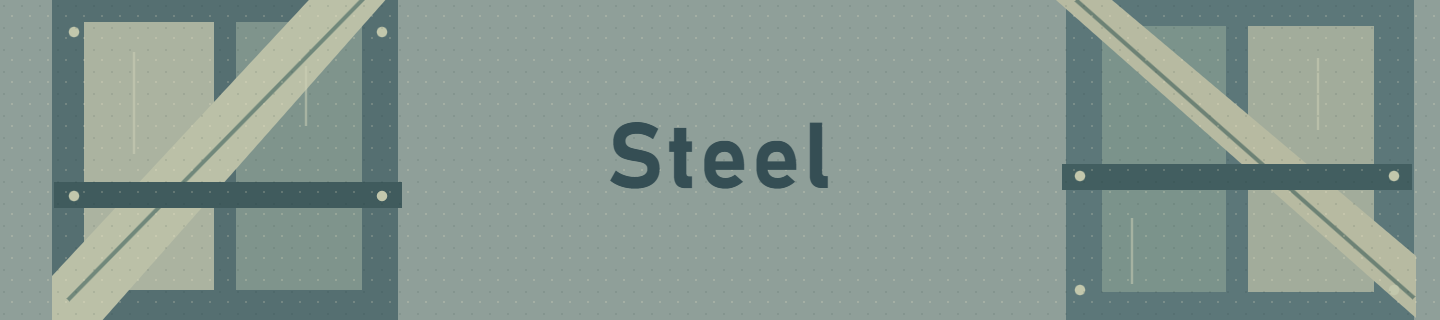
Cool weathered color, open blacks and gritty texture for overcast scenes.
These are the original Look artworks used in Camera. They express each Look’s character; they are not sample photographs or a before-and-after demonstration. Open any artwork for a closer look.
The capture / Make room for the moment
Stay with automatic capture, or take a more considered approach. Choose a Look, settle on your composition, and capture photographs or video with the controls supported by your camera.
All nine aspect ratios available in Camera, from square and portrait to wide cinematic compositions.
Shape the frame
A face, a street corner, an open horizon. Different subjects ask for different space. Choose from nine aspect ratios and pinch to zoom as you find your composition.
Preview your chosen Look as you compose. Your Look and selected crop stay with you when switching between photo and video.
Compose with your chosen Look and use automatic capture for an uncomplicated starting point.
Bring your chosen Look to video too. Available resolutions and frame rates depend on your device and selected camera.
Set a 3- or 10-second photo timer when you want to step into the frame or take your time.
The light / A more considered capture
Compact panels keep supported adjustments close to hand. Scroll a dial to choose a value, then tap outside the panel to return to the viewfinder.
Hardware matters. Control availability can differ between devices and cameras; some settings may not be available in every capture mode.
Your color / Beyond the built-in collection
The forty Looks are a starting point. Import compatible photographic sRGB .cube LUTs to bring familiar color ideas into Camera.
Tap the illustrated Look window for compact adjustments. Set Look strength and, for the built-in Looks, grain amount and size.
LUT compatibility depends on the file and its intended color workflow. Camera’s import support is for compatible photographic sRGB .cube files.
Start with a photographic sRGB .cube file made for the color workflow you want.
Import the file and explore that color direction while composing.
Adjust the imported LUT's strength in the Look panel, then use it for photographs or video.
Your gallery / From capture to keep
Your photographs and videos have a place inside Camera before you decide what to move to Apple Photos. Review your captures and transfer the ones you choose.
Tap a photo or video to open it. Pinch or double-tap to zoom into the preview.
Hold a capture to start multiple selection. Delete the extras from App's Gallery before transferring.
Select your finished captures and tap the export icon to add them to Apple Photos.
After a successful transfer: the corresponding copies are removed from Camera’s gallery. Your transferred files are in Apple Photos.
About ads: Camera includes advertising, which may appear after a successful transfer to Photos.
Made for your camera
Camera’s iOS build supports iPhone and iPad. The available controls, lenses, video resolutions and frame rates depend on your device and selected camera.
The experience begins with the camera you have. Automatic capture is a simple starting point; supported manual controls let you take a more deliberate approach.
A few useful details
Yes. Join the public beta on TestFlight on an iPhone or iPad with iOS or iPadOS 17 or later. Install Apple's TestFlight app, then follow the invitation to try Camera.
No. These are the original illustrated artworks used to identify the Looks inside Camera. They communicate each Look’s character. They are not sample capture results or before-and-after photographs.
There are 40 built-in Looks across Daily, B&W, Aki, Film and Cinematic. Original is a separate, unfiltered option and is not counted among the forty.
Yes. Preview your chosen Look while composing and apply it to photographs and videos. Available video options depend on your device and selected camera.
Camera supports compatible photographic sRGB .cube LUTs. Compatibility depends on the file and its intended color workflow.
No. Exposure, ISO, shutter speed, white balance, focus, video resolution and frame-rate options depend on the device and selected camera.
A successful transfer places the selected file in Apple Photos and removes the corresponding copy from Camera’s gallery.
Yes. Ads may appear after a successful transfer to Apple Photos.
Email akistudio.mobile@gmail.com for help with Aki Camera. Include your device model and the details of what you would like help with.
Part of the Aki collection
Begin with Camera. Continue exploring photographs in Studio, or bring images and words together in Gazette.
Aki Camera
Try Camera on iPhone and iPad through TestFlight. Requires iOS or iPadOS 17 or later.
Explore all forty Looks, then tell us how Camera feels on your device.