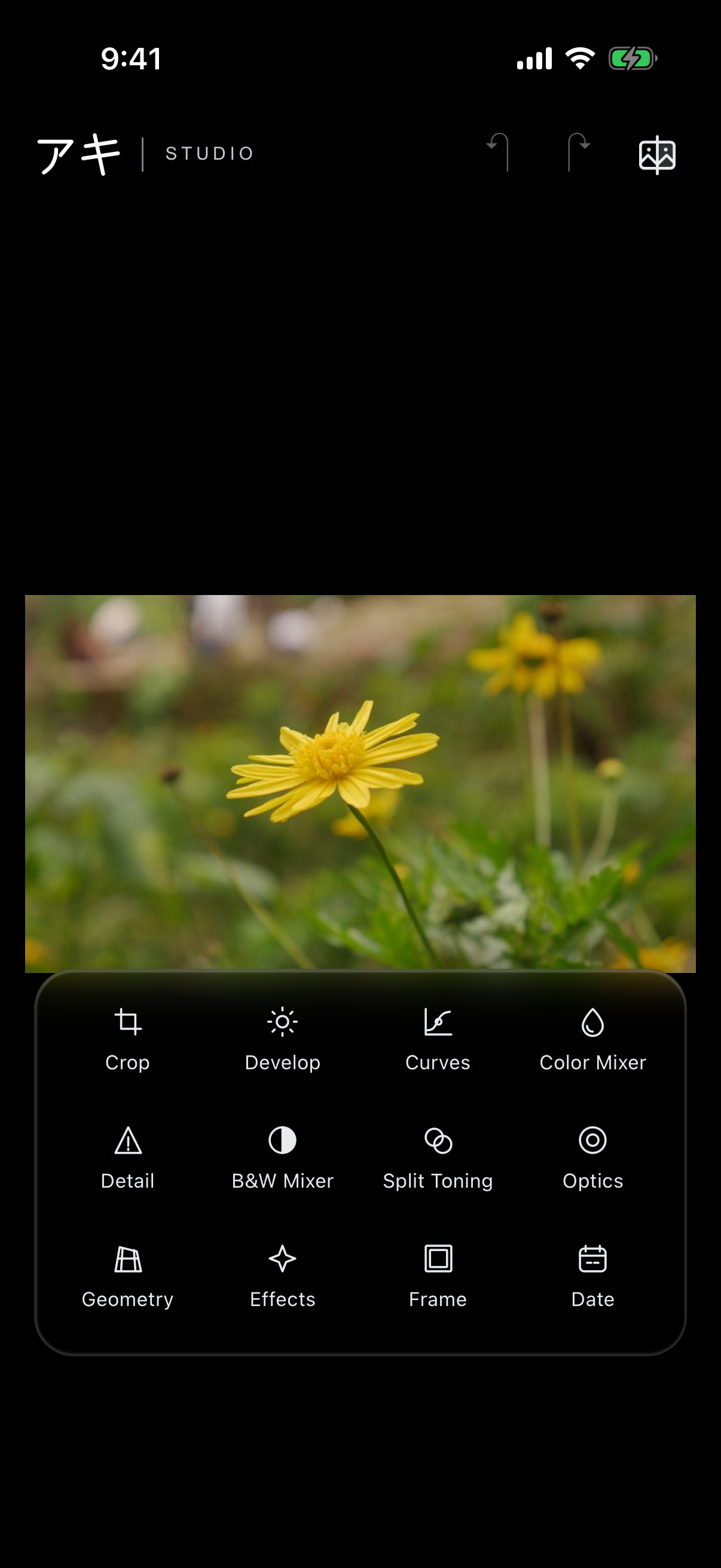
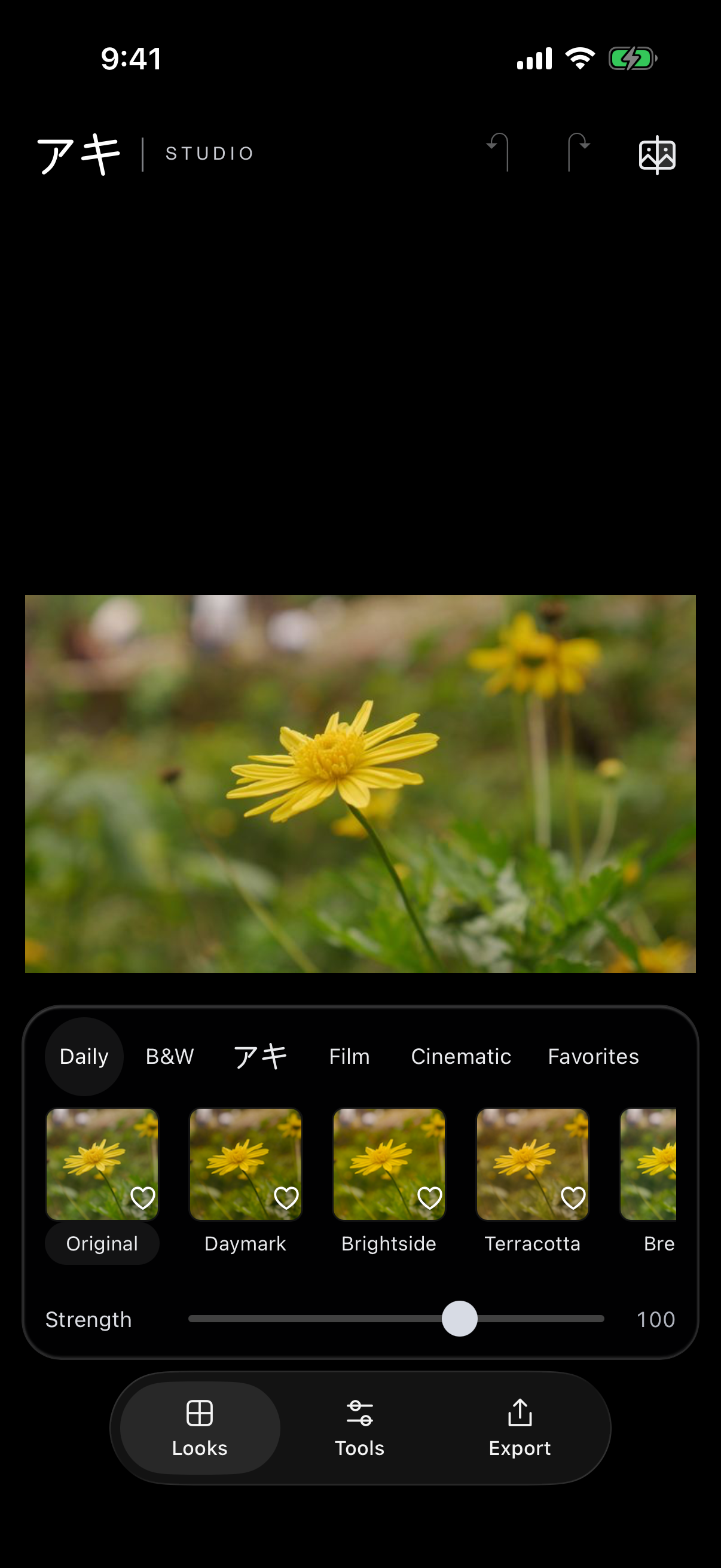
Yes. Every built-in Look and all twelve editing tools are free,
with no subscriptions or in-app purchases. The app is supported by ads.
When will I see ads?+
Starting with version 1.9.0, choose “Watch ad to export” to watch a rewarded ad and save a copy. Export still proceeds offline or when an ad is unavailable. A banner may appear at the bottom of Home.
Earlier versions may show an ad after a successful save, with frequency limits.
Ad availability and appearance may differ by installed build and region.
Read our privacy policy for more details.
Can I edit RAW photographs?+
Aki Studio supports RAW workflows, with compatibility depending on
the camera, file format and device. Support is not universal
across every camera or RAW file.
Can I bring my own looks?+
You can import supported creative .cube LUTs made for SDR/sRGB,
and use .aki adaptive packages. Other LUT types or color pipelines
may not be supported.
An edit should serve the photograph: its light, its color,
and the feeling worth keeping. Aki Studio brings expressive starting
points and familiar tools to a compact mobile workspace.
Your photographs and editing instructions are processed on your
device. You choose what to import, how far to take an edit, and
when to save a copy.